
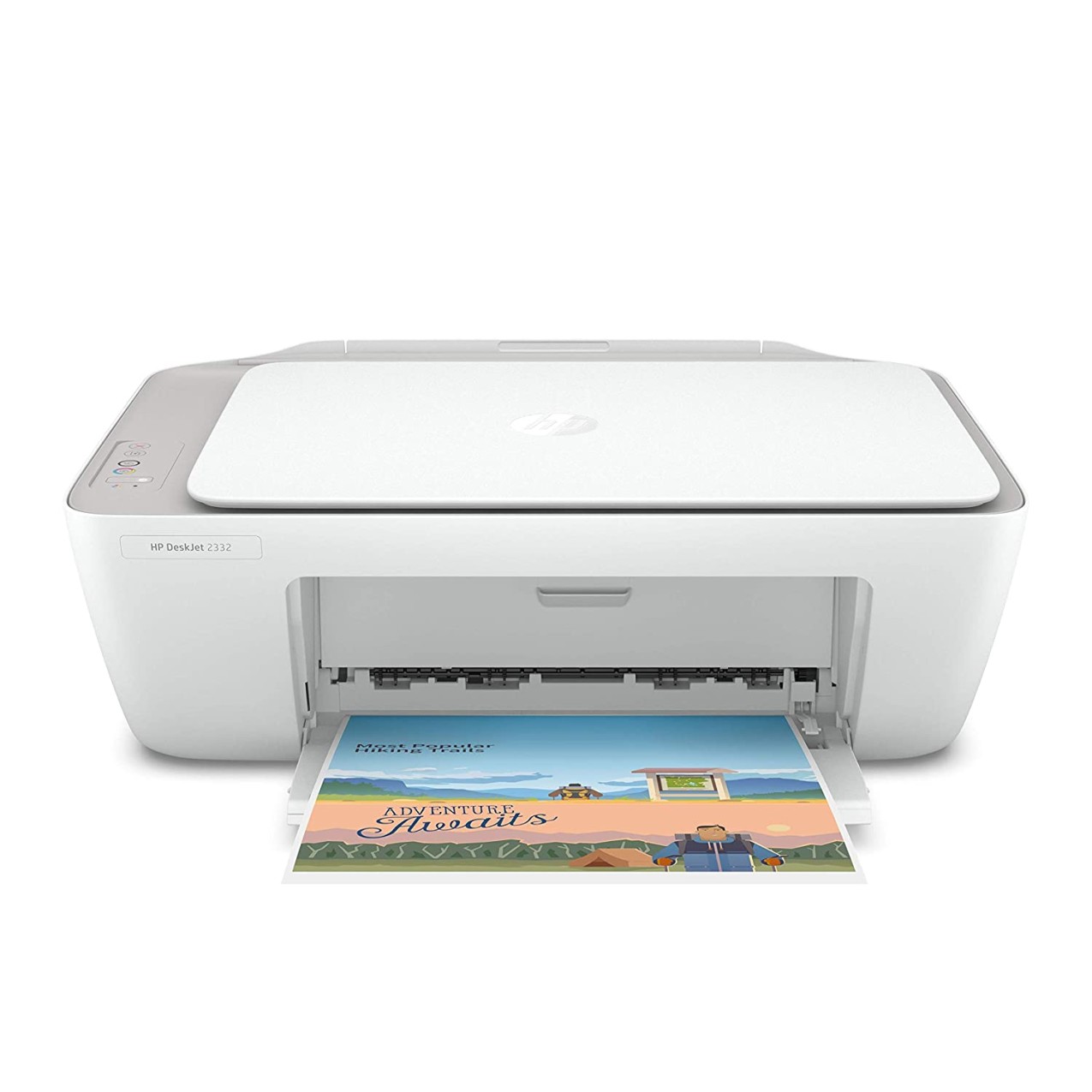
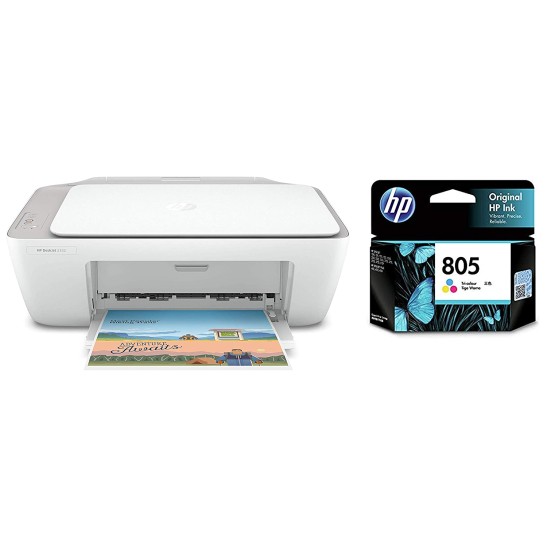
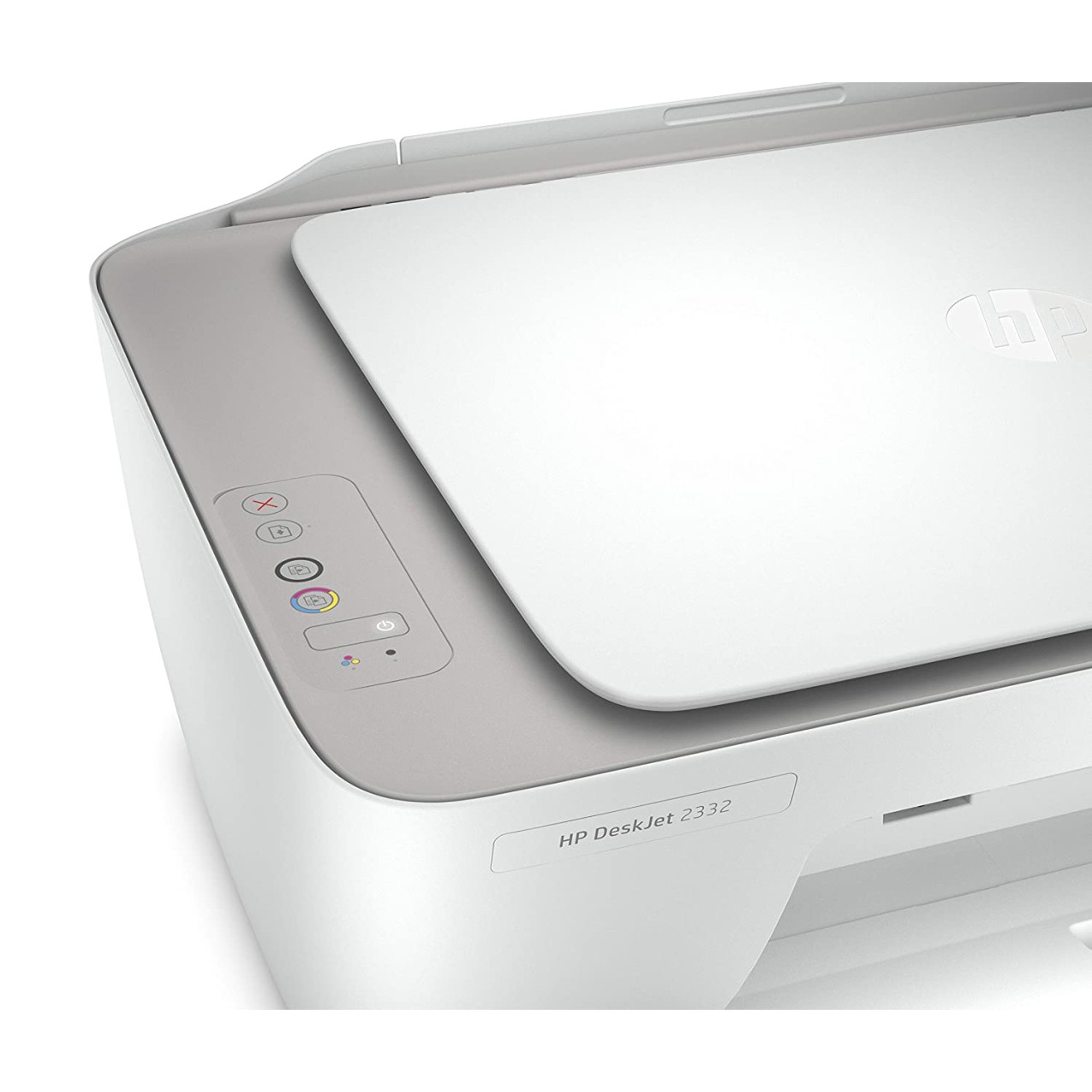
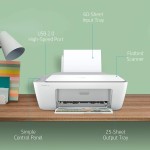
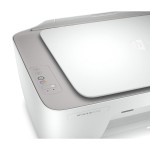
HP DeskJet 2332 All-in-One Printer, Print, Copy, Scan, Hi-Speed USB 2.0, Up to 7.5/5.5 ppm (Black/Color), 60-Sheet Input Tray, 25-Sheet Output Tray, 1000-page Duty Cycle, Color, 7WN44D
- 30 days easy returns
- Order yours before 2.30pm for same day dispatch
Guaranteed safe & secure checkout
HP DeskJet 2332 All-in-One Printer — Print, Copy, Scan
Combine reliable everyday printing with simple scanning and copying — the HP DeskJet 2332 lets you handle home and small-office tasks without fuss. With crisp color output, fast setup via Hi-Speed USB 2.0, and a compact, durable design, it delivers up to 7.5 ppm (black) and 5.5 ppm (color) for everyday documents. Backed by HP’s standard warranty (1-year limited hardware) and sold with ’s trusted customer support, fast shipping and easy returns, this printer solves slow, complex workflows and gives you dependable printing when you need it most.
Top Features
- All-in-one convenience — print, copy and scan from a single compact unit (saves space).
- Reliable daily speed — up to 7.5 ppm black / 5.5 ppm color for quick documents.
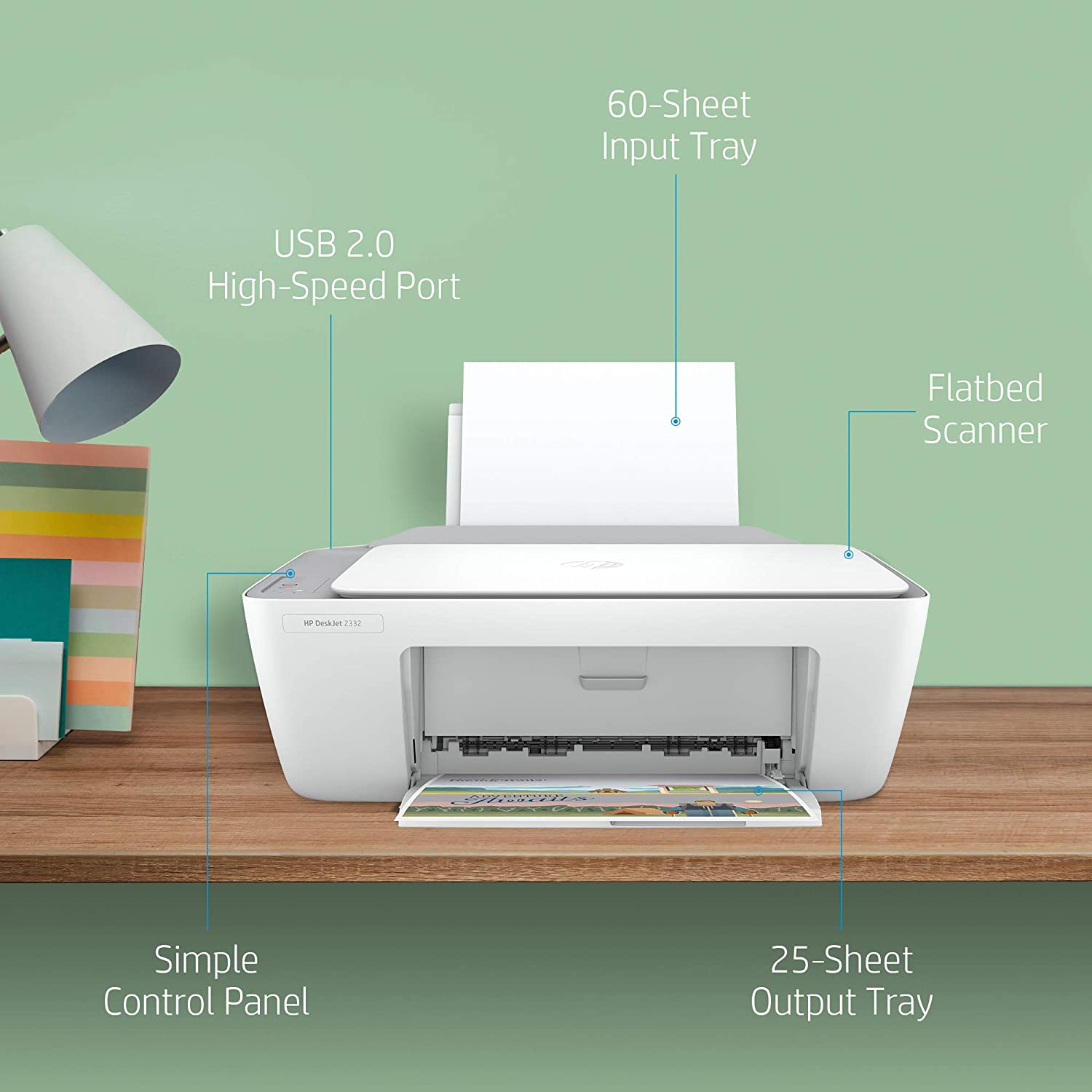
- High-capacity input — 60-sheet input tray reduces frequent refills.
- Neat output handling — 25-sheet output tray keeps pages organized and protected.
- Durable daily duty — up to 1000-page monthly duty cycle for steady home/office use.
- Sharp colors and legible text — crisp output clarity for reports and photos.
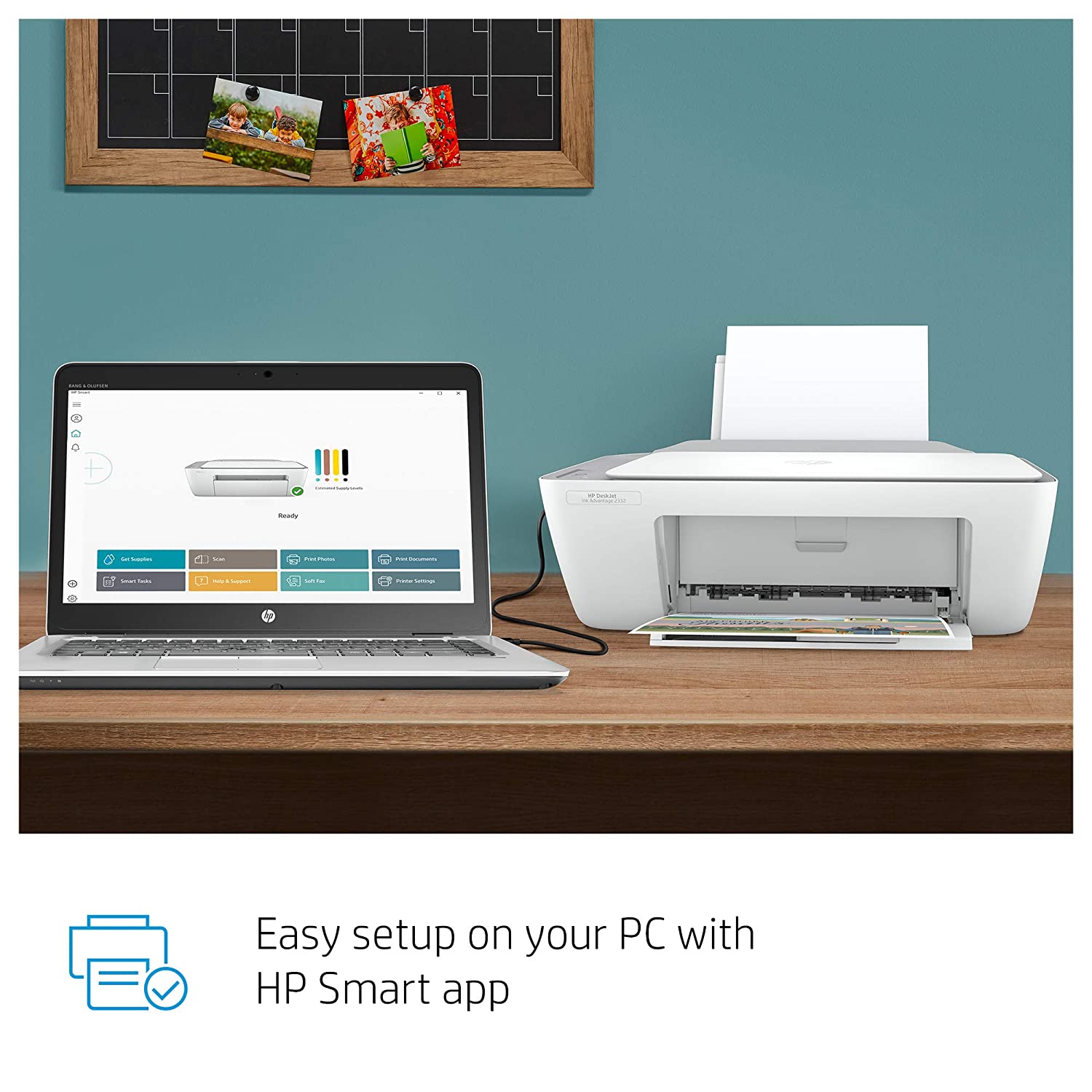
- Plug-and-play USB 2.0 — simple wired connection for hassle-free setup and reliable transfers.
- Compact, lightweight design — comfortable placement on desks, shelves or study corners.
- Energy-efficient operation — low power consumption for economical daily use.
- Trusted support — HP warranty plus after-sales care and fast replacements.
Technical Specifications
| Specification | Details |
|---|---|
| Model | HP DeskJet 2332 (7WN44D) |
| Brand | HP |
| Function | Print, Copy, Scan (All-in-One) |
| Print Speed | Up to 7.5 ppm (black) / 5.5 ppm (color) |
| Duty Cycle | Up to 1000 pages per month |
| Input Tray Capacity | 60 sheets |
| Output Tray Capacity | 25 sheets |
| Connectivity | Hi-Speed USB 2.0 (wired) |
| Scanner Type & Resolution | Flatbed scanner — up to 1200 dpi (optical) |
| Print Resolution | Up to 4800 x 1200 optimized dpi (color) |
| Colour | Color (Black chassis with matte finish) |
| Materials / Build | Durable ABS plastic; compact lightweight construction |
| Compatibility | Windows and macOS — drivers available from HP; basic support for Linux via drivers |
| Power | Mains powered (no battery) |
| Box Contents | Printer, power cord, starter ink cartridges, setup guide, warranty card (USB cable typically not included) |
| Warranty | 1-year limited hardware warranty (HP) |
| Dimensions (Approx.) | 425 x 304 x 149 mm (W x D x H) |
| Weight (Approx.) | ~3.5 kg |
| Country of Origin | Varies; typically manufactured in China |
Why Buy From ?
- Verified genuine HP products with original warranty and sealed packaging.
- Fast, insured delivery across India with careful packaging to prevent damage.
- Reliable customer service — setup help, troubleshooting and smooth returns.
- Secure payment options and transparent pricing — no hidden charges.
- After-sales support: easy warranty claims assistance and genuine spare parts guidance.
Who Should Buy This?
- Home users and students who need affordable, dependable printing and scanning.
- Small home-office setups requiring compact all-in-one functionality.
- Families printing school projects, photos and everyday documents.
- Anyone seeking a low-footprint, energy-efficient daily printer with straightforward USB connectivity.
Smart FAQs
1. Does the HP DeskJet 2332 support wireless printing?
No. The DeskJet 2332 connects via Hi-Speed USB 2.0 (wired). For mobile or wireless printing, consider HP models with Wi‑Fi or use a networked PC as a print server.
2. What ink cartridges does it use and are they easy to replace?
The printer uses HP ink cartridges (starter cartridges included). Replacing cartridges is quick and tool-free through the front access panel; genuine HP cartridges are recommended for best results.
3. Can I print photos and high-quality color documents?
Yes — the DeskJet 2332 supports color printing with good photo-quality output for casual photos and vivid color documents. For professional photo labs, consider a dedicated photo printer.
4. Is the printer easy to set up on Windows and macOS?
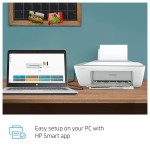
Yes. Setup is straightforward: connect via USB, install drivers from HP’s website or included setup guide, and follow on-screen instructions. support is available if you need extra help.
5. What warranty and after-sales support are included?
This unit comes with HP’s 1-year limited hardware warranty. provides purchase support, assistance with warranty claims, and guidance on repairs or replacements where needed.
6. How many pages can I expect to print per month?
The recommended monthly duty cycle is up to 1000 pages — ideal for light to moderate home and small-office printing needs.
7. Is the USB cable included in the box?
USB cable is typically not included; the box generally contains the printer, power cord, starter ink cartridges, setup guide and warranty card. Check product details before purchase.
Customer reviews
(102 Reviews)
Add your review
Your email address will not be published. Required fields are marked *
Please login to write review!
102 review(s) for "HP DeskJet 2332 All-in-One Printer, Print, Copy, Scan, Hi-Speed USB 2.0, Up to 7.5/5.5 ppm (Black/Color), 60-Sheet Input Tray, 25-Sheet Output Tray, 1000-page Duty Cycle, Color, 7WN44D"