
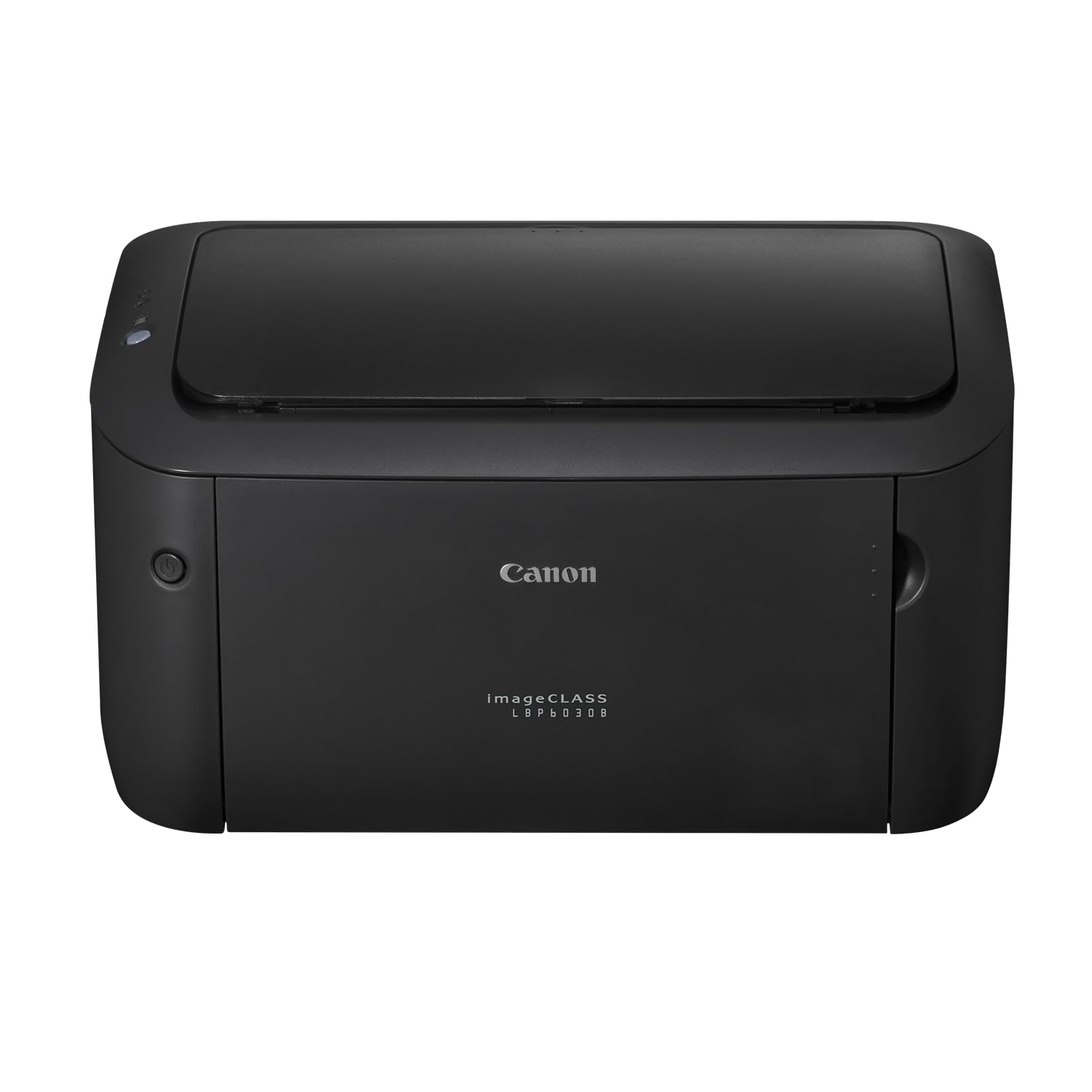
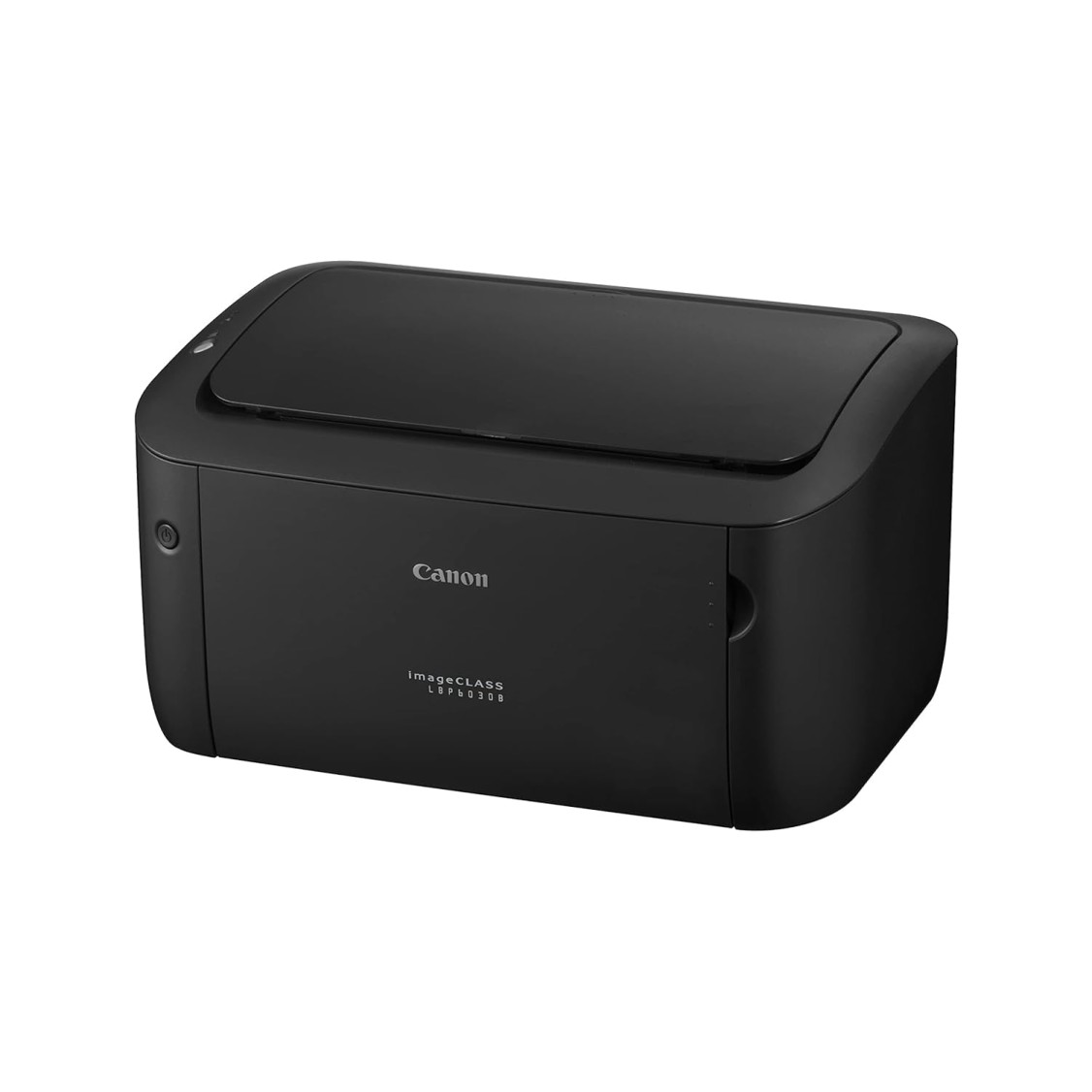
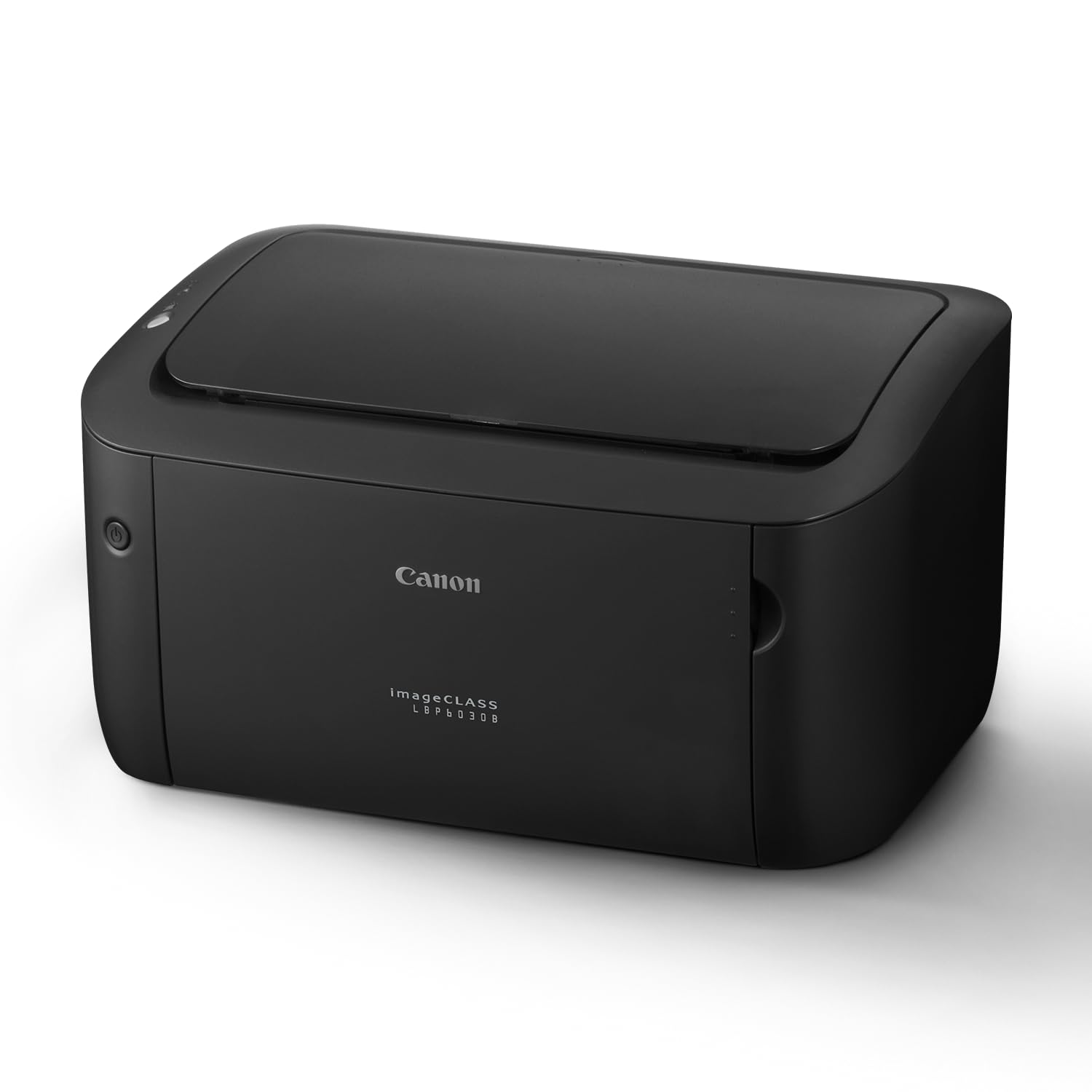
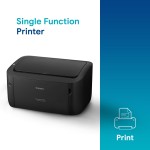
Canon imageCLASS LBP6030B Mono Printer, Windows, Mac, and Linux Support
- 30 days easy returns
- Order yours before 2.30pm for same day dispatch
Guaranteed safe & secure checkout
Canon imageCLASS LBP6030B Mono Printer — Reliable, Compact Laser Printing
The Canon imageCLASS LBP6030B solves cluttered, slow home and small-office printing by delivering crisp monochrome pages quickly from a space-saving design. Enjoy stress-free document printing with sharp text clarity, low running costs, and simple USB connectivity for Windows, Mac and Linux systems. Backed by Canon's standard warranty and ’s trusted delivery, genuine-product guarantee, and prompt customer support, you get both performance and peace of mind. Ideal for students, freelancers, and micro-offices who want dependable daily printing with reliable after-sales service from .
Top Features
- Compact footprint — fits comfortably on a desk or shelf, saves workspace.
- Fast monochrome output — quick first page and steady prints for efficient workflows.
- Sharp text clarity — laser precision for professional-looking documents and invoices.
- Energy-efficient operation — lower power use for economical, eco-friendly printing.
- Easy setup via USB — plug-and-play connectivity for Windows, macOS and Linux.
- Durable build — robust chassis designed for reliable daily use and longevity.
- Low noise — quiet printing that’s comfortable in home and small-office environments.
- Affordable consumables — cost-effective toner yields help reduce running costs.
- Simple maintenance — user-friendly access for toner replacement and minor upkeep.
- Trusted warranty coverage — manufacturer warranty plus support for peace of mind.
Technical Specifications
| Specification | Details |
|---|---|
| Model | Canon imageCLASS LBP6030B |
| Brand | Canon |
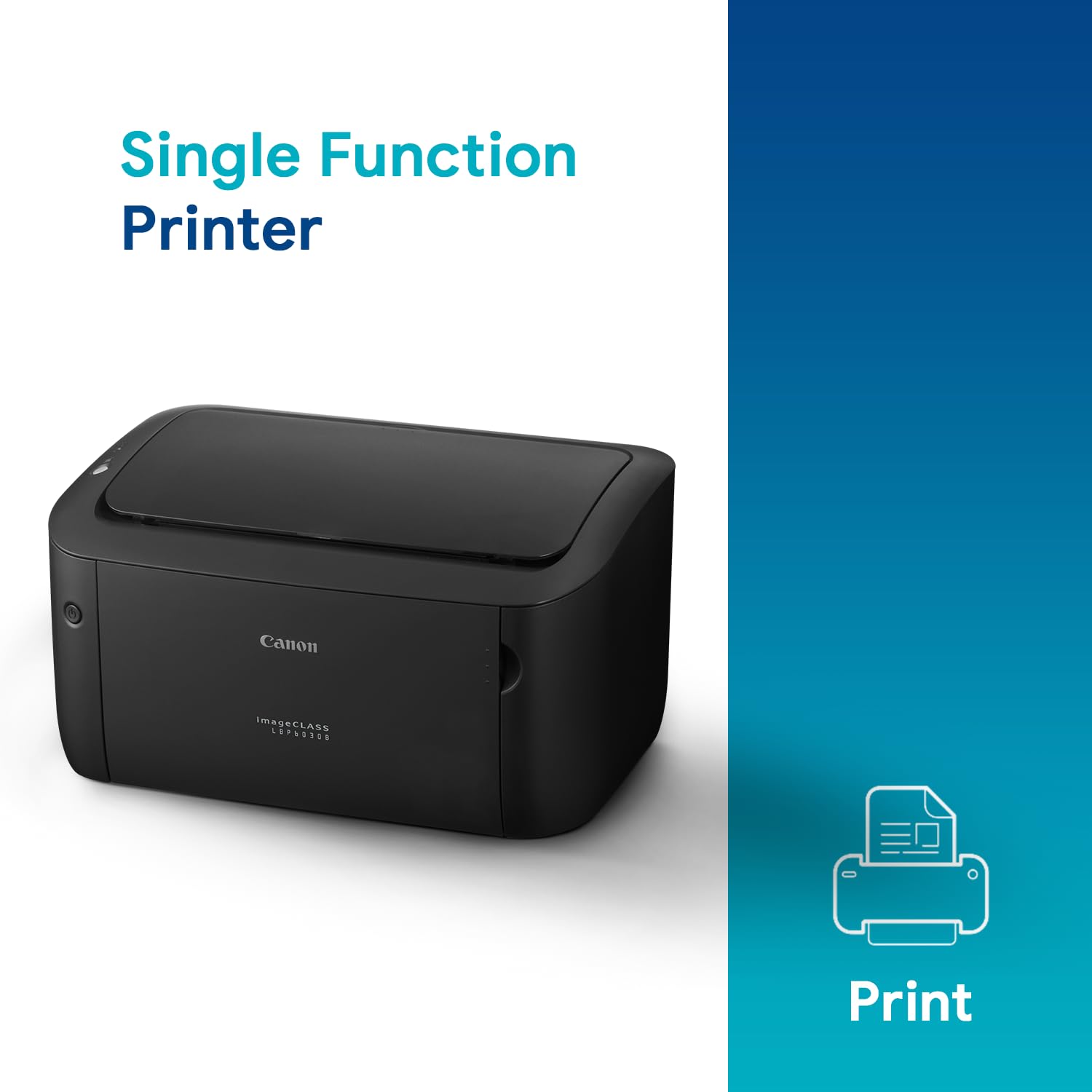
| Printer Type | Monochrome Laser Printer (Single-function) |
| Colour | Black |
| Print Technology | Laser |
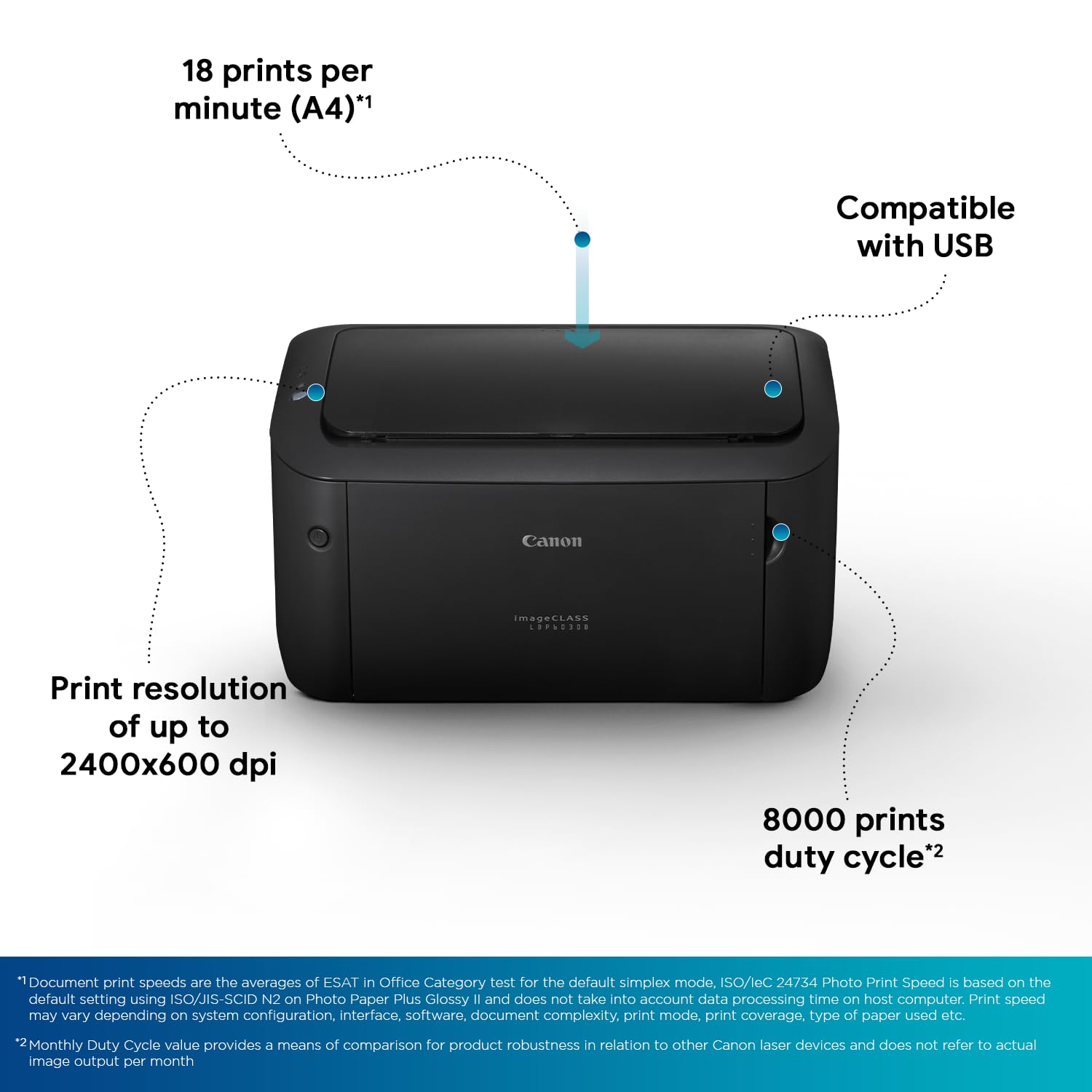
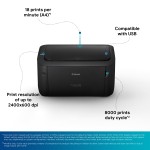
| Max Print Speed | Up to 18–19 ppm (A4) |
| Print Resolution | Up to 600 x 600 dpi |
| First Print Out Time (FPOT) | Approximately 8–10 seconds |
| Duplex | Manual duplex (no automatic duplex) |
| Monthly Duty Cycle | Up to 5,000 pages (recommended monthly volume lower for best results) |
| Paper Capacity (Input) | Approx. 150 sheets |
| Connectivity | USB 2.0 |
| OS Compatibility | Windows, macOS, Linux (driver support available) |
| Toner Cartridge | Compatible Canon toner cartridges (genuine recommended) |
| Dimensions (W x D x H) | Compact — approximately 364 x 249 x 198 mm |
| Weight | Approximately 5.5–6.0 kg |
| Power Consumption | Low-power modes for energy savings |
| Box Contents | Printer unit, starter toner, power cord, USB cable (varies by pack), user guide |
| Warranty | Manufacturer warranty (typically 1 year) + support |
| Country of Origin | Manufactured for Canon (country may vary by batch) |
Why Buy From ?
- Authentic products — genuine Canon printers and original accessories.
- Verified warranty — manufacturer warranty honored plus assistance.
- Fast, safe delivery — secure packaging and reliable shipping across India.
- Responsive customer support — setup help and troubleshooting from our team.
- Hassle-free returns & replacement for factory defects within the policy period.
Who Should Buy This?
- Home users and students who need reliable text printing for assignments and notes.
- Freelancers and small-business owners requiring sharp, professional documents.
- Micro-offices or satellite workspaces where space and budget are priorities.
- Anyone seeking a low-maintenance, economical monochrome printer for daily use.
Smart FAQs
- Does the LBP6030B support Wi‑Fi or mobile printing?
No — this model connects via USB. It does not include built-in Wi‑Fi or cloud/mobile printing features.
- Is it compatible with Linux?
Yes — Canon provides drivers and support for many Linux distributions. can guide you to the correct driver downloads if needed.
- Can I print double-sided automatically?
The LBP6030B does not have automatic duplexing; you can manually print double-sided using printer settings and flipping pages.
- What toner should I use and how often do I replace it?
Use Canon-approved toner cartridges for best results. Replacement frequency depends on your monthly print volume and cartridge yield— sells compatible genuine cartridges and can recommend the right option.
- What warranty and support will I receive?
The printer comes with Canon’s standard manufacturer warranty (commonly 1 year). provides pre- and post-sale support, help with warranty claims, and assistance with servicing.
- How do I set up the printer on my computer?
Connect the printer via USB, install the appropriate driver from Canon’s website or the included media, and follow on-screen instructions. customer support can assist with setup if required.
Customer reviews
(146 Reviews)
Add your review
Your email address will not be published. Required fields are marked *
Please login to write review!
146 review(s) for "Canon imageCLASS LBP6030B Mono Printer, Windows, Mac, and Linux Support"